“I used body shape, slim waist, and buttock at the same time to align a six-post grid. Engagement jumped because the set looked cohesive.”
LenaFitness creator
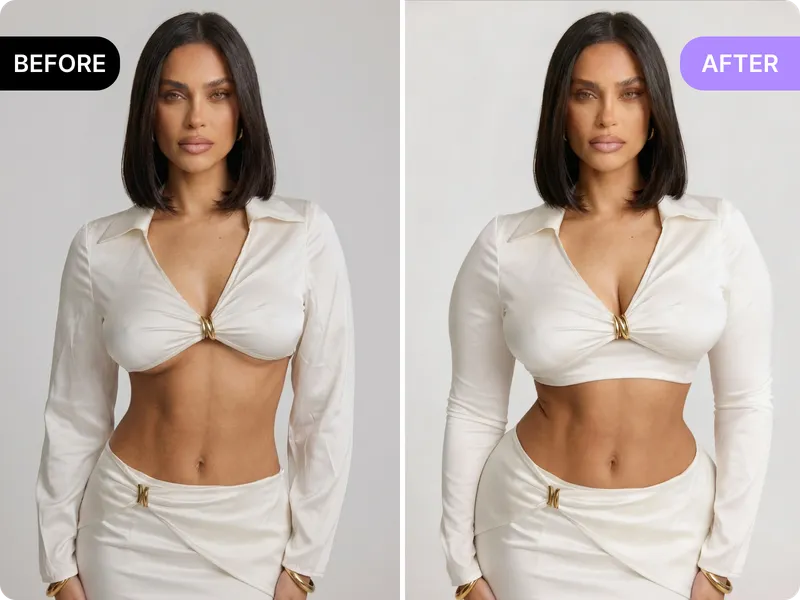
Refine overall proportions with the body shape tool—balance shoulders, torso, and legs while keeping the original pose. Upload, preview, and export a consistent look without retraining a design tool.
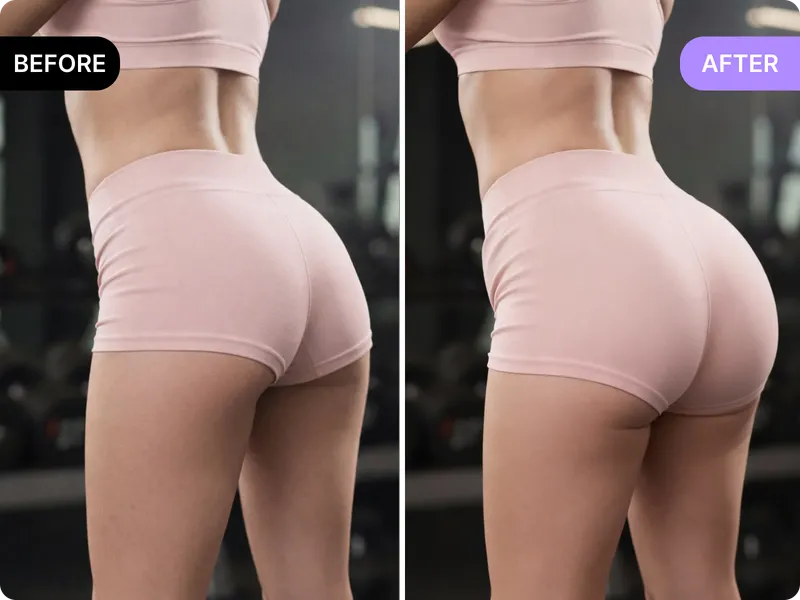
Lift or contour glutes with the buttock tool. Use it when your shot needs a little more shape without changing lighting or perspective.
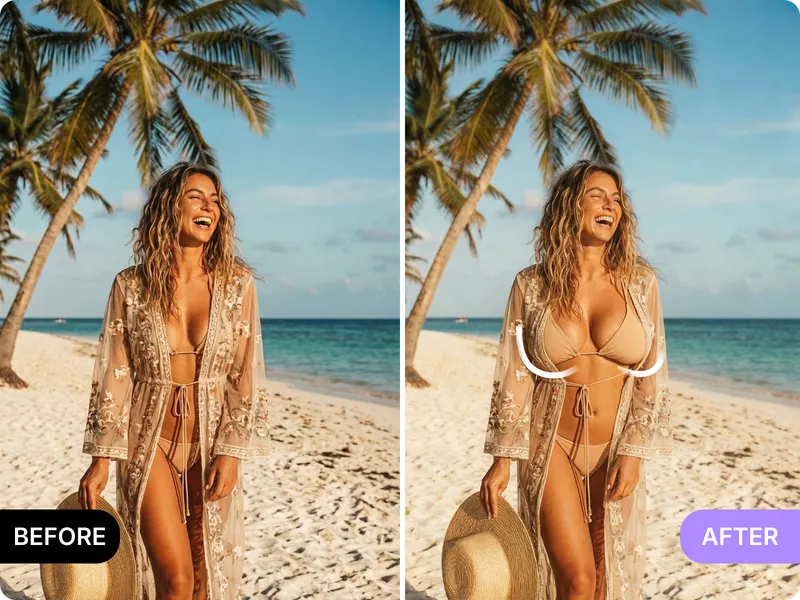
Boost chest definition or symmetry while leaving the rest of the frame untouched—great for portraits, fitness content, and campaigns.
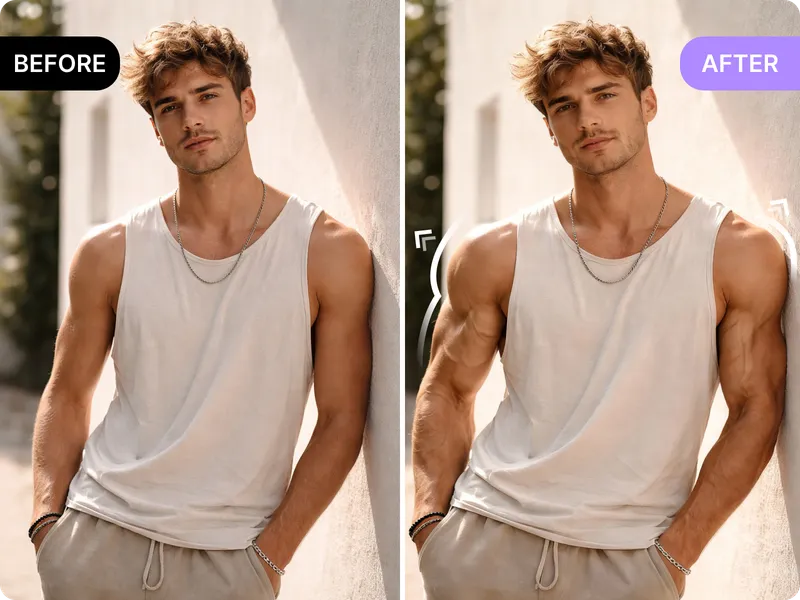
Add sharper muscle definition to arms, abs, or glutes with the muscle-up tool. Keep natural lighting and expression while highlighting the areas you want to emphasize.
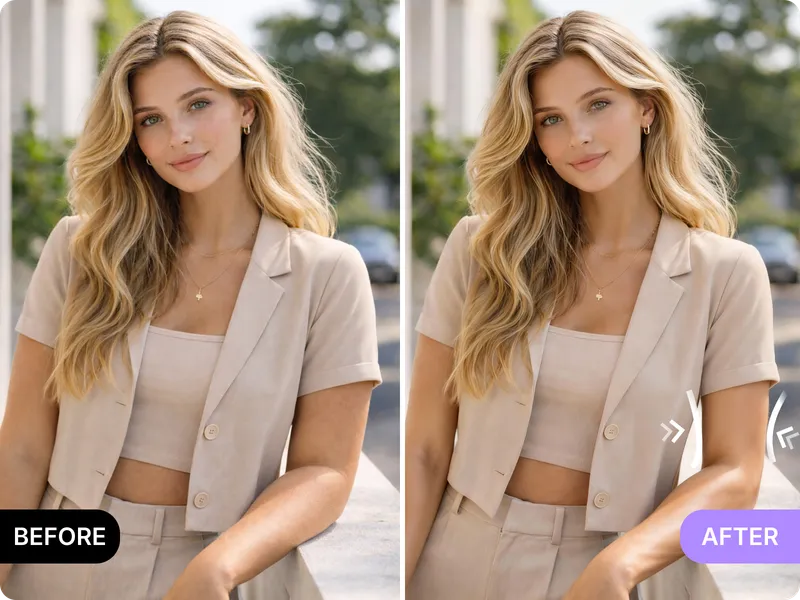
Refine arm contours and tone without altering the pose—ideal for fitness, corporate, or dating shots that need leaner lines.
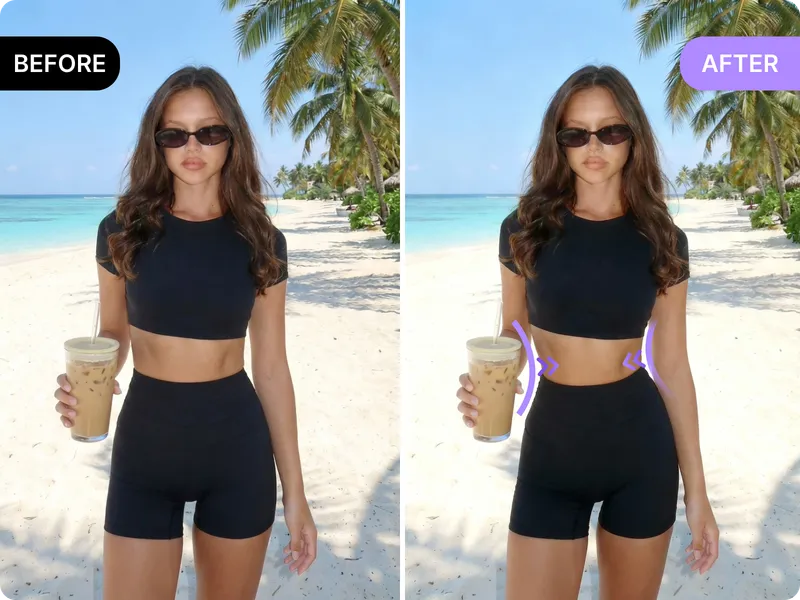
Tighten midsection lines while preserving perspective and lighting. Use it for swimwear, editorial, or marketing photos where a polished waistline matters.
This page groups the most critical body tools so you can choose the exact edit that matches your story. Whether you need a stronger waistline, more muscle tone, or a balanced chest, the workflow keeps the original photo intact and stays honest about limits. The result: more followers, better engagement, and stronger dating selfies without fake anatomy.
Edit with AI body editor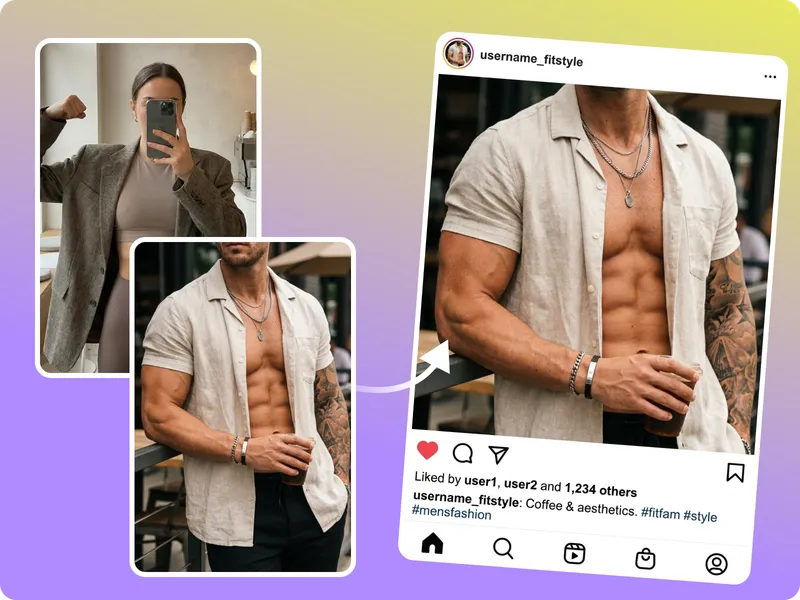
Sharper definition, consistent tone, and balanced proportions get more eyeballs on your social hero shots. Use the muscle-up and slim waist tools to create a cohesive grid, then pair each edit with copy that calls out how you feel better on camera.
Polish your social feed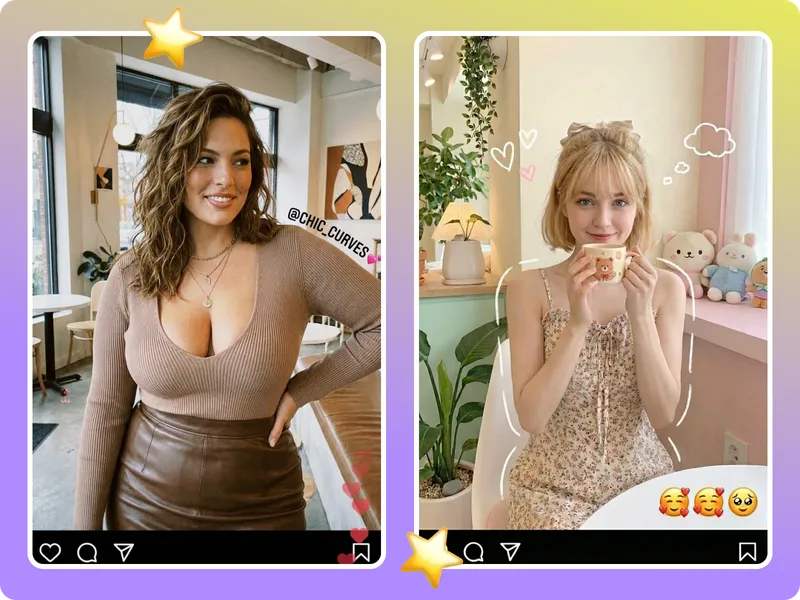
Use the chest enhancement and slim arm tools for dating posts so your pose feels intentional and trustworthy. Keep the scene unchanged, highlight subtle lines, and show the best version of yourself without exaggerating.
Sharpen dating shots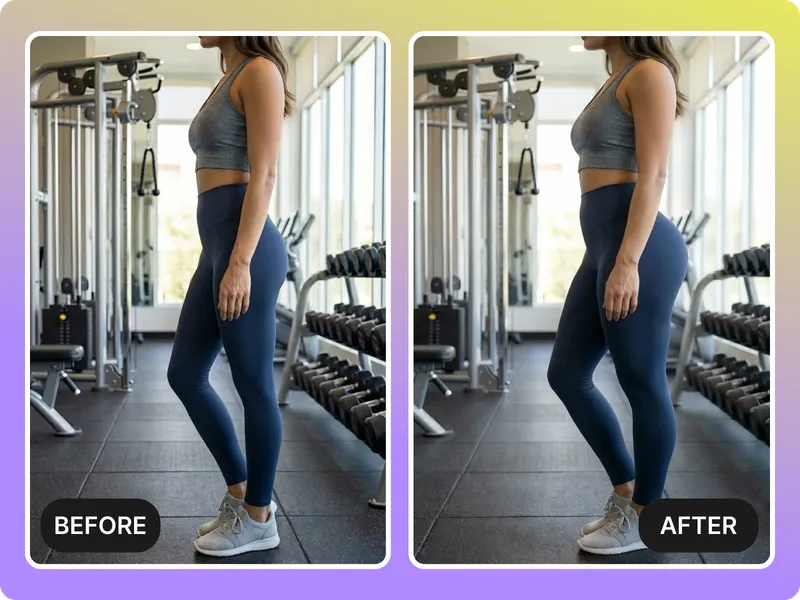
The body shape and buttock tools help you align a set of campaign visuals with the same tone, intensity, and framing. Standardize lighting, fix a few proportions, export, and your grid stays cohesive.
Build campaign visuals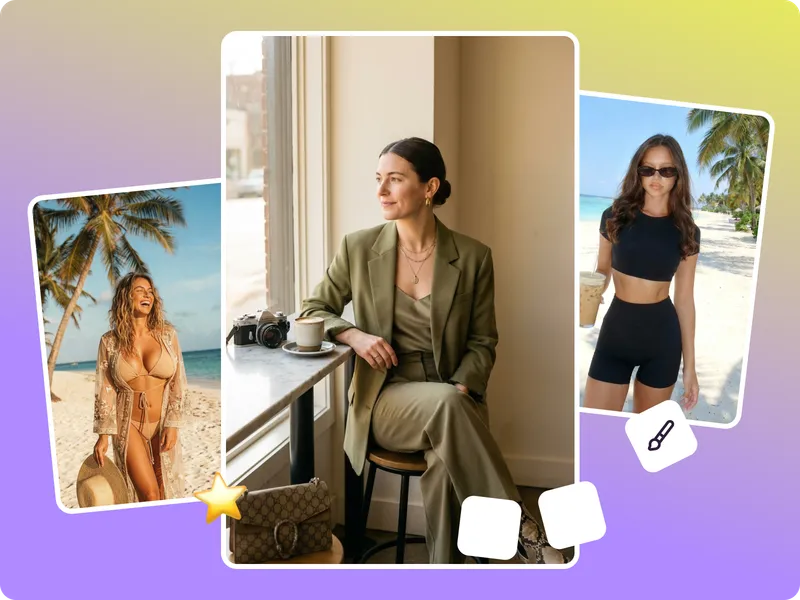
Transparent overlays, extreme posture changes, and severely distorted subjects still need manual retouching. Keep edits realistic, start with clean inputs, and treat this tool as a fast polish rather than a total rebuild.
Keep it realisticFine-tune body shape, glutes, chest, muscle tone, arms, and waist in one browser window. Upload your photo, pick the tools, and export a realistic image for socials, campaigns, or dating.
Edit your body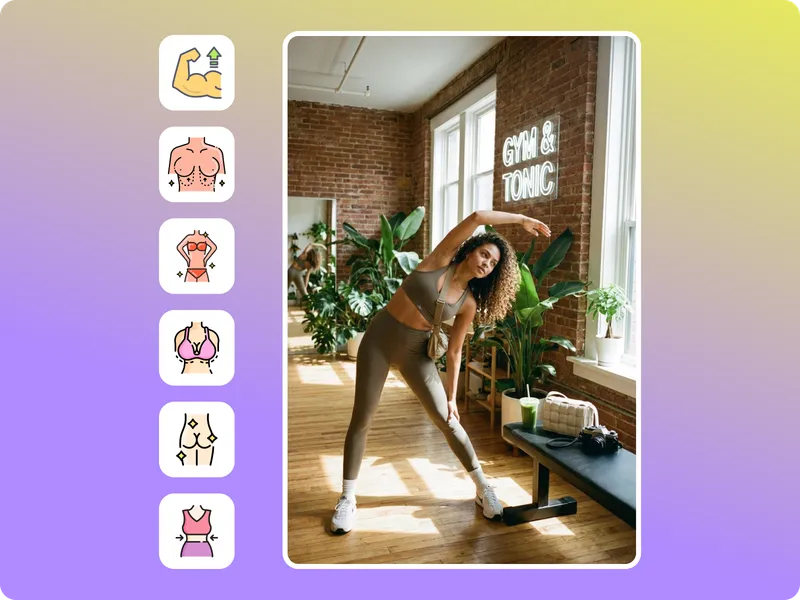
Use slim waist, muscle up, and body shape edits to keep your feed consistent. Sharpen muscle tone once, then reuse the light and pose so every tile feels intentional and boosts followers.
Improve engagement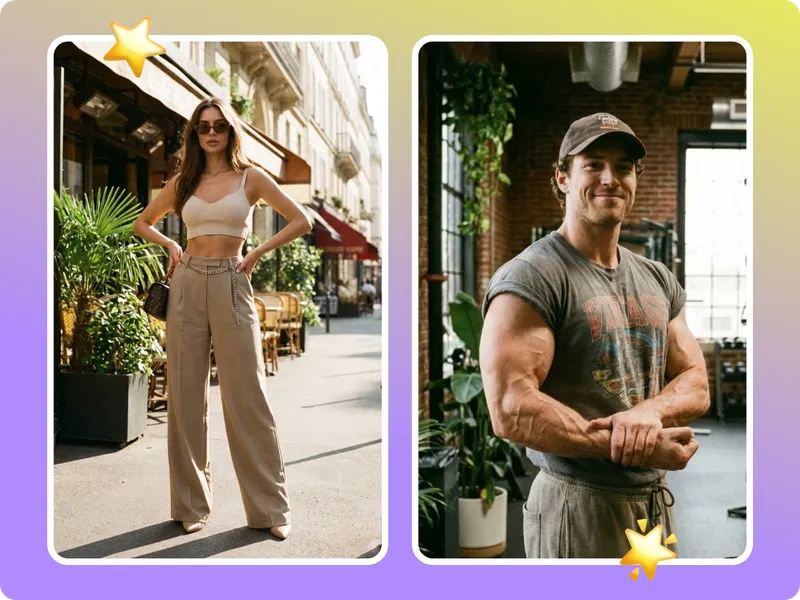
Chest enhancement and slim arm edits help your dating portraits highlight your best angles without leaning on filters. Keep the same background and let the body adjustments signal strength and approachability.
Sharpen dating shots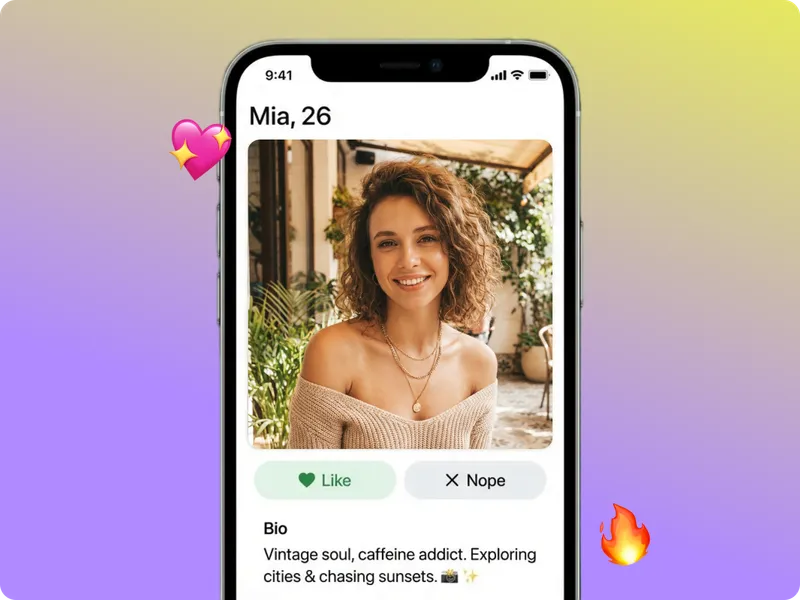
When you need a set of visuals for marketing or fitness launches, combine body shape, buttock, and slim waist tools. Export a locked-in look that feels cohesive without extra photoshoots.
Create campaign sets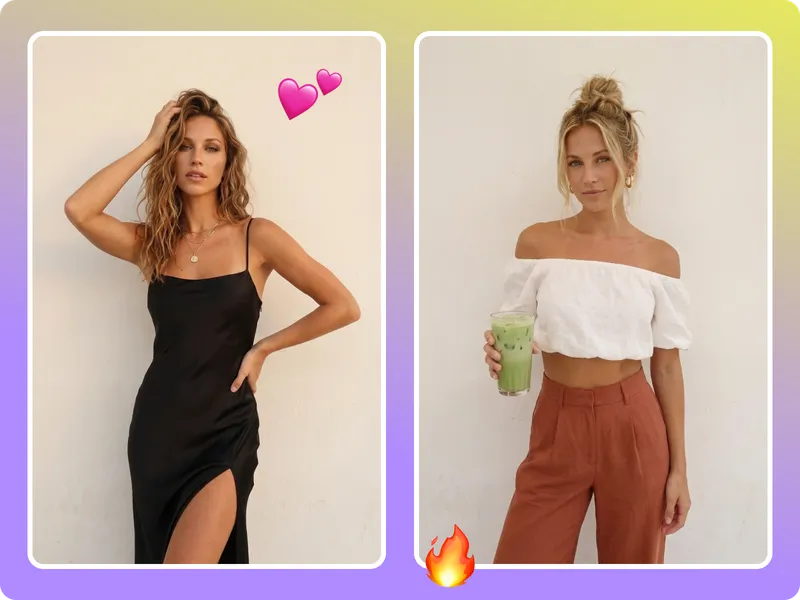
These testimonials explain how people use the six tools to keep their visuals consistent on social media and dating platforms while staying honest about the limits.
“I used body shape, slim waist, and buttock at the same time to align a six-post grid. Engagement jumped because the set looked cohesive.”
“I stack a buttock edit with slim waist to keep clients from having to reshoot the same pose. It feels like a quick polish instead of fake anatomy.”
“I appreciate that the tool warns me when a photo will exaggerate too much. That honesty saves me from pushing a bad edit seen in dating apps.”
“I used body shape, slim waist, and buttock at the same time to align a six-post grid. Engagement jumped because the set looked cohesive.”
“I stack a buttock edit with slim waist to keep clients from having to reshoot the same pose. It feels like a quick polish instead of fake anatomy.”
“I appreciate that the tool warns me when a photo will exaggerate too much. That honesty saves me from pushing a bad edit seen in dating apps.”
“The muscle-up edits give me sharper lines for my chest and arms without changing the pose. That keeps viewers focused on my form.”
“Slim arm and chest tweaks make my product mockups look stronger. We export a bunch of versions and choose the cleanest for the launch.”
“Campaigns stay consistent because we can tweak body proportions without adjusting the entire background.”
“The muscle-up edits give me sharper lines for my chest and arms without changing the pose. That keeps viewers focused on my form.”
“Slim arm and chest tweaks make my product mockups look stronger. We export a bunch of versions and choose the cleanest for the launch.”
“Campaigns stay consistent because we can tweak body proportions without adjusting the entire background.”
“Dating photos with subtle chest and arm adjustments finally feel confident and real. I get more matches because the pictures stay natural.”
“Social following spikes when my photos feel intentional. The body editor helps me keep the same lighting while sharpening the intensity.”
“The combined toolset replaces several retouch passes. I can highlight waist, arms, and legs in fewer clicks.”
“Dating photos with subtle chest and arm adjustments finally feel confident and real. I get more matches because the pictures stay natural.”
“Social following spikes when my photos feel intentional. The body editor helps me keep the same lighting while sharpening the intensity.”
“The combined toolset replaces several retouch passes. I can highlight waist, arms, and legs in fewer clicks.”
Pick the tools you need
Decide whether you want a full body balance (body shape), glute lift (buttock), chest refocus, muscle emphasis, arm refinement, or waist tightening before you upload.
Upload a clean photo
Use a high-resolution image with even lighting and a visible silhouette. The tool works best when the subject is separate from the background, so avoid busy scenes and strong filters.
Generate, compare, export
Generate previews for different tools or combinations. Compare them side-by-side, then export the version that feels most natural for your social, campaign, or dating goal.
Add sharper muscle definition to arms, abs, or glutes with the muscle-up tool. Keep natural lighting and expression while highlighting the areas you want to emphasize.
Drag & drop Image here
Refine arm contours and tone without altering the pose—ideal for fitness, corporate, or dating shots that need leaner lines.
Drag & drop Image here
Lift or contour glutes with the buttock tool. Use it when your shot needs a little more shape without changing lighting or perspective.
Drag & drop Image here
Boost chest definition or symmetry while leaving the rest of the frame untouched—great for portraits, fitness content, and campaigns.
Drag & drop Image here
Tighten midsection lines while preserving perspective and lighting. Use it for swimwear, editorial, or marketing photos where a polished waistline matters.
Drag & drop Image here
Refine overall proportions with the body shape tool—balance shoulders, torso, and legs while keeping the original pose. Upload, preview, and export a consistent look without retraining a design tool.
Drag & drop Image here