
“Adjusting the expression saved a reshoot and kept the wardrobe consistent.”
LinaCreative director
Pick a face photo, adjust the expression (smile, calm, confident), and let the tool refine facial landmarks while leaving lighting, pose, and background untouched.
This page explains how to tune emotion without complex editors. We cover best inputs, how to align expressions with your story, and where the tool works best so you can make decisions quickly.
Adjust an expression
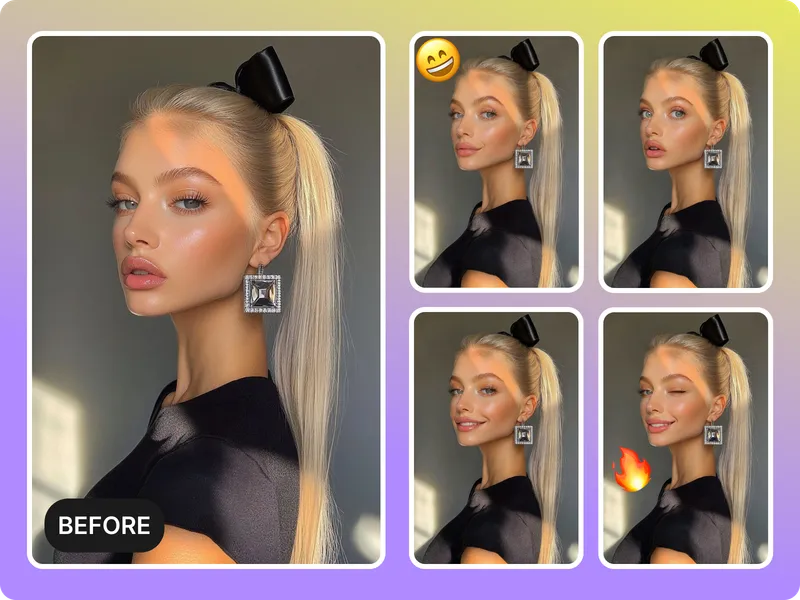
Shift a frown to a confident smile, soften the glare, or keep a neutral look while keeping the lighting consistent. The model keeps the expression tied to the existing facial structure.
Set the right mood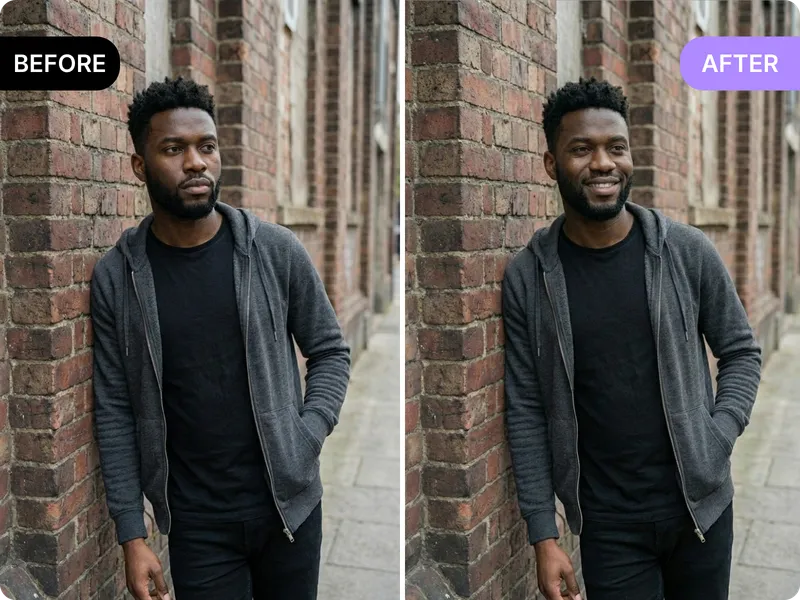
Upload well-lit portraits and let the AI keep highlights and shadows intact so the swapped expression blends with the scene.
Keep lighting intact
Generate multiple expression versions for thumbnails, ads, or reels in minutes without reshoots. Export the best version straight to your channels.
Try different vibes
Group shots, extreme angles, or heavy filters still need traditional retouching. Start with a single face portrait for the cleanest swaps.
Stay realisticUpload a clean portrait
Choose a face with even lighting, visible landmarks, and minimal motion blur. The tool needs clear contours to shift expressions cleanly.
Select the expression and intensity
Pick the mood you want—smile, soft gaze, confident stare—and adjust how strong the change should be so the edit stays believable.
Preview and export
Review the variation, fine-tune the intensity, and export the version that aligns with your storytelling goals.
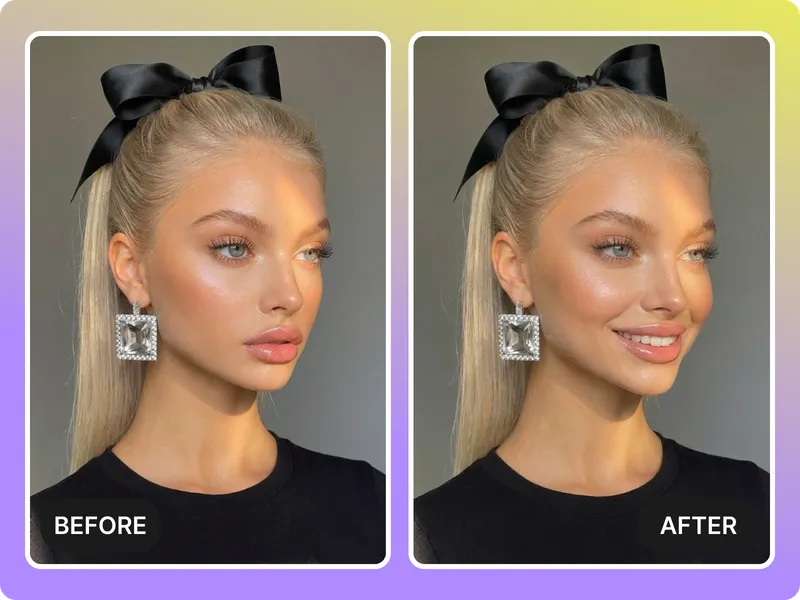
Use the AI expression changer to shift smiles, relax brows, or set a confident gaze with one click.
Adjust now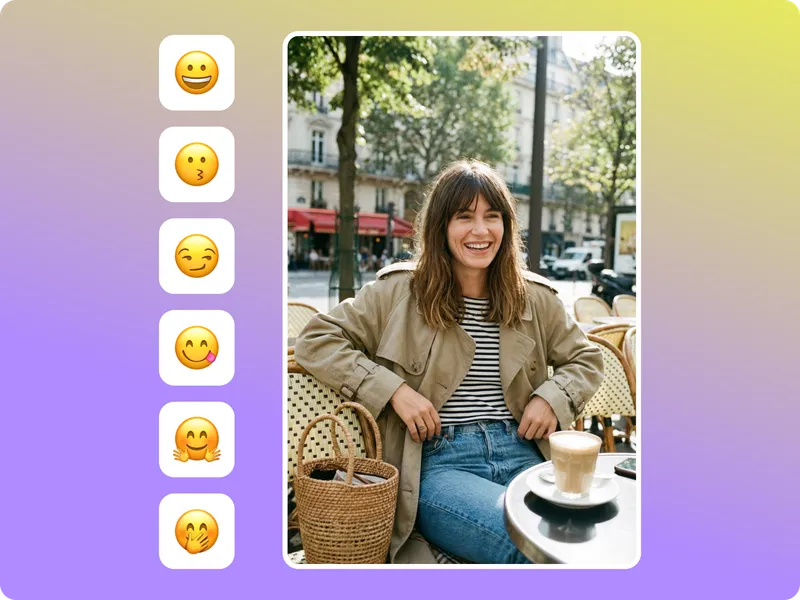
Need a warm, calm, or bold expression? Choose the mood that suits the context before exporting.
Pick a vibe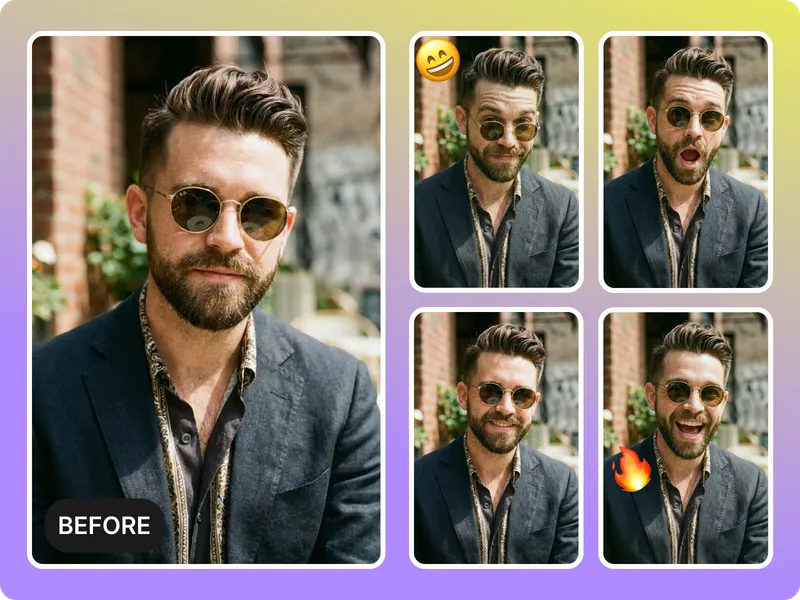
Export versions for reels, thumbnails, or ads without juggling different tools.
Export ready edits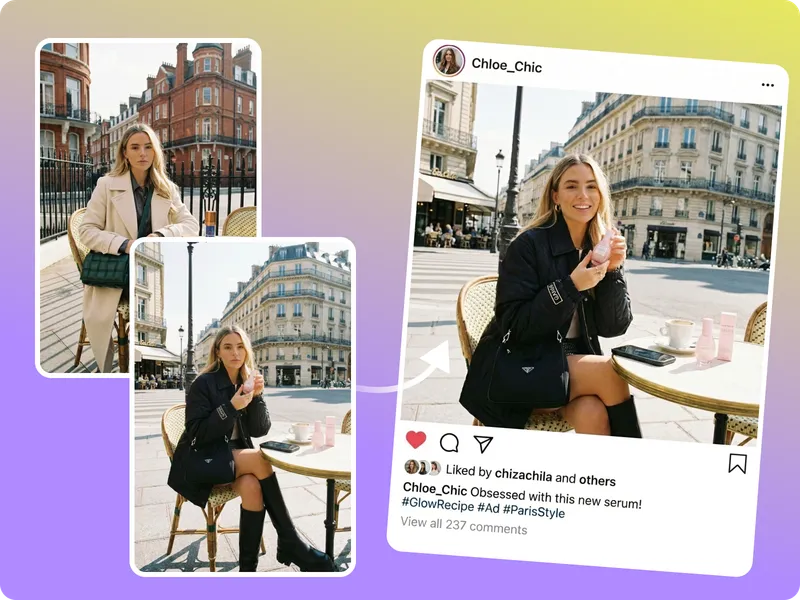
The expression swap keeps your lighting and background intact while the emotion shifts.
Tell a new story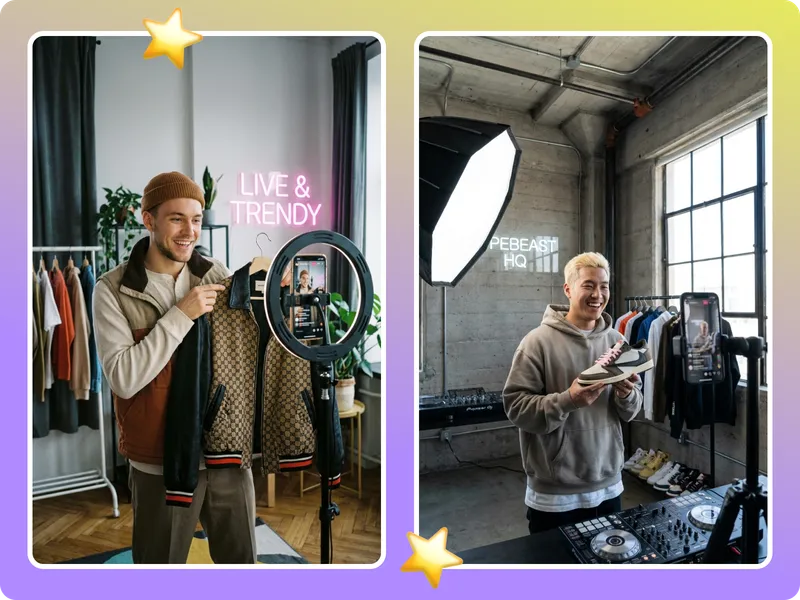
Creators, marketers, and storytellers rely on expression edits to keep campaigns consistent.
“Adjusting the expression saved a reshoot and kept the wardrobe consistent.”
“Story arcs need different moods. This tool lets me adjust per chapter.”
“Expression controls keep the edits honest.”
“Adjusting the expression saved a reshoot and kept the wardrobe consistent.”
“Story arcs need different moods. This tool lets me adjust per chapter.”
“Expression controls keep the edits honest.”
“I try three expressions per thumbnail and pick the highest-performing one.”
“The edits stay believable even when I push the intensity.”
“We cut production time in half by tweaking expressions instead of reshooting.”
“I try three expressions per thumbnail and pick the highest-performing one.”
“The edits stay believable even when I push the intensity.”
“We cut production time in half by tweaking expressions instead of reshooting.”
“It keeps lighting intact, so the face still feels like part of the same scene.”
“The export-ready files keep me from bouncing between apps.”
“It catches subtle smiles better than any filter.”
“It keeps lighting intact, so the face still feels like part of the same scene.”
“The export-ready files keep me from bouncing between apps.”
“It catches subtle smiles better than any filter.”
Pick a face photo, adjust the expression (smile, calm, confident), and let the tool refine facial landmarks while leaving lighting, pose, and background untouched.
Drag & drop Image here