
“Retuning the expression saved a re-shoot and kept the wardrobe consistent across the campaign.”
LinaCreative director
Open a photo, choose the emotion you need—soft smile, confident stare, relaxed gaze—and let the tool adjust facial landmarks while keeping your lighting and background untouched.
People search ai facial expression changer for everything from marketing thumbnails to creator reels. This page explains how the tool works, what inputs help, and how to keep edits believable so you can deliver the right mood fast.
Adjust your expression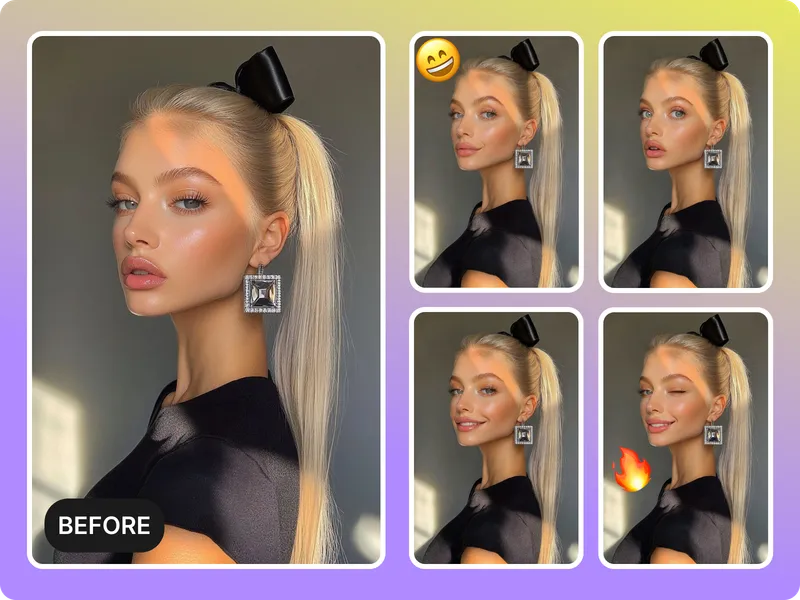
Shift a smile, soften a stare, or make a neutral face more approachable to match the new background or narrative. The model tracks facial muscles so the new expression feels natural rather than pasted on.
Set the right emotion
Upload evenly lit photos and keep backgrounds simple. The tool keeps highlights and shadows where they belong so the expression swap does not break the lighting story.
Keep lighting intact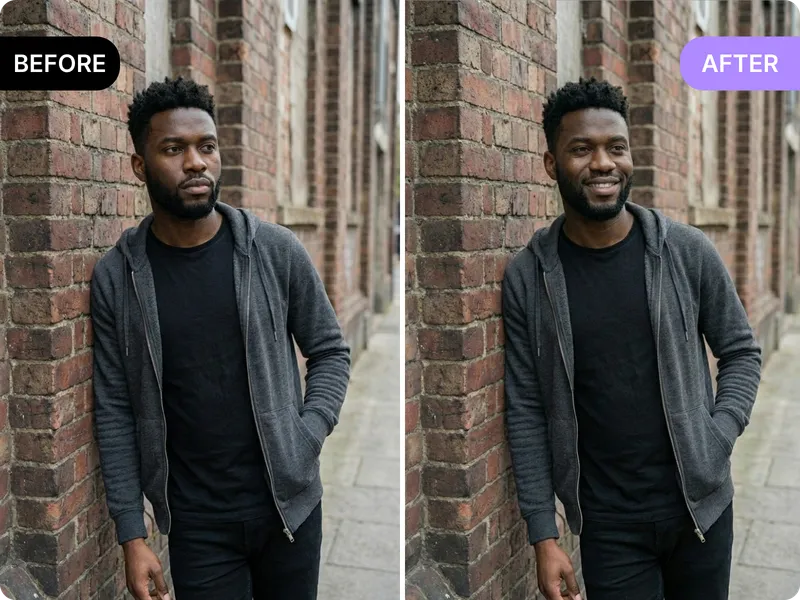
Use the facial expression changer to try multiple moods for a single shot, export the winner, and post faster without reshooting.
Try different moods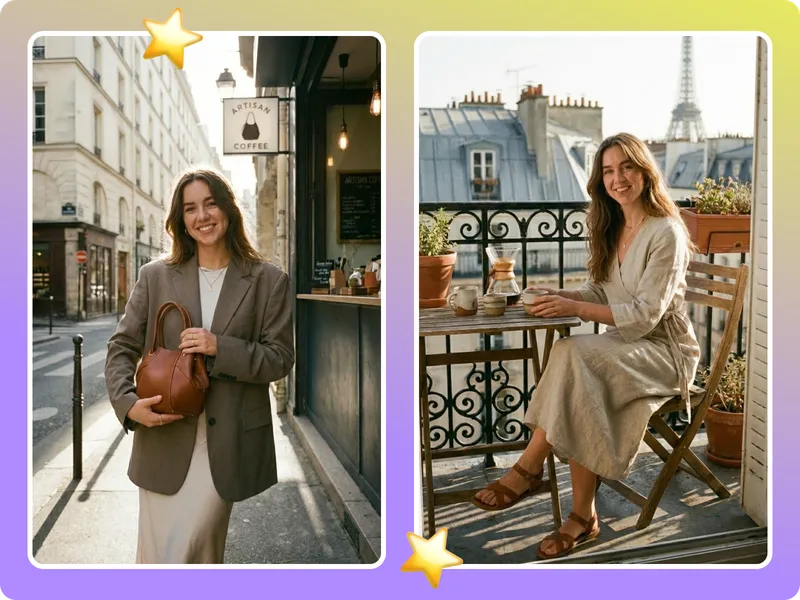
Vertical group shots, extreme angles, or transparent props still need manual retouching. Start with a clear single-face portrait for the best result.
Respect the limitsUpload a clear portrait
Choose a straight-on or slightly angled face with even lighting. Avoid strong backlight or motion blur so facial landmarks are easy to detect.
Pick the expression and intensity
Decide whether you want a subtle grin, calm gaze, or confident smile. Adjust the slider to control how much the expression shifts.
Preview, export, repeat
Generate multiple versions, compare them, then export the one that fits your story. If a version looks off, adjust the intensity or re-upload a cleaner photo.

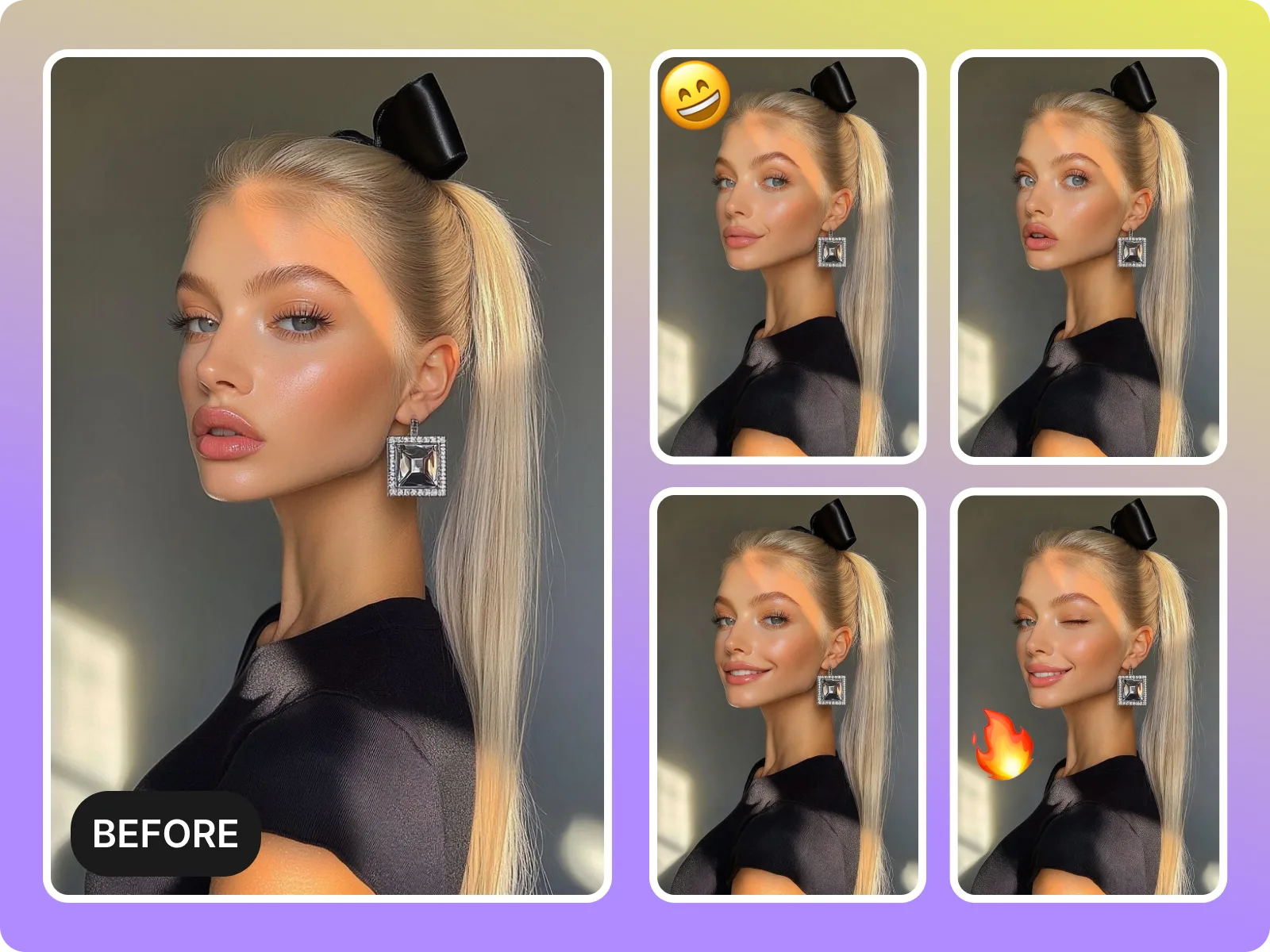
Open a photo, define the mood, and let the AI retune smiles, brows, and eyes without adjusting the entire shot.
Edit your expression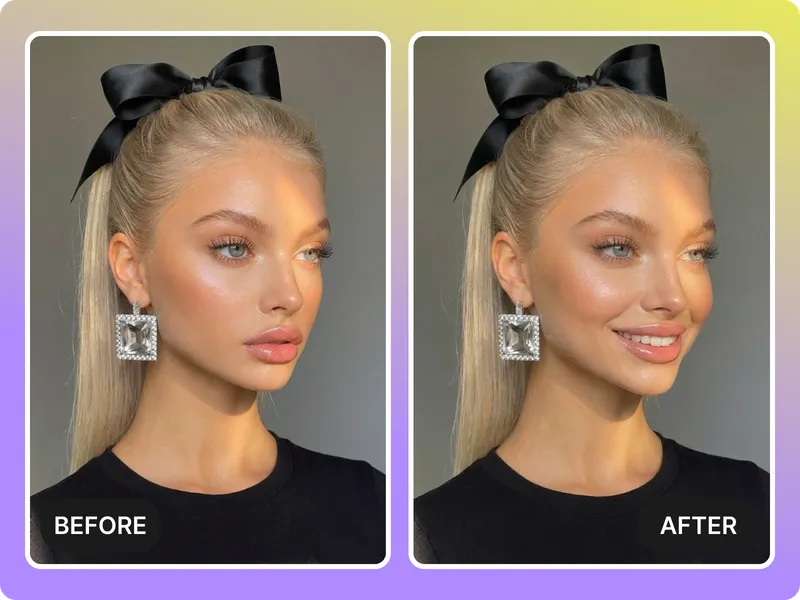
Need calm, energetic, or confident? The expression changer lets you try multiple vibes with one upload.
Pick a vibe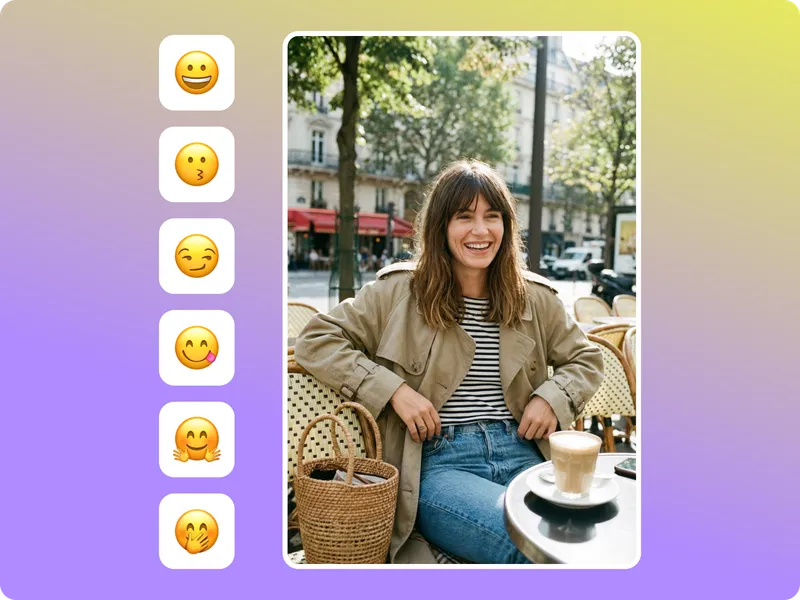
Export versions for thumbnails, ads, or reels without rigging a new shoot or replacing the entire hero image.
Export ready edits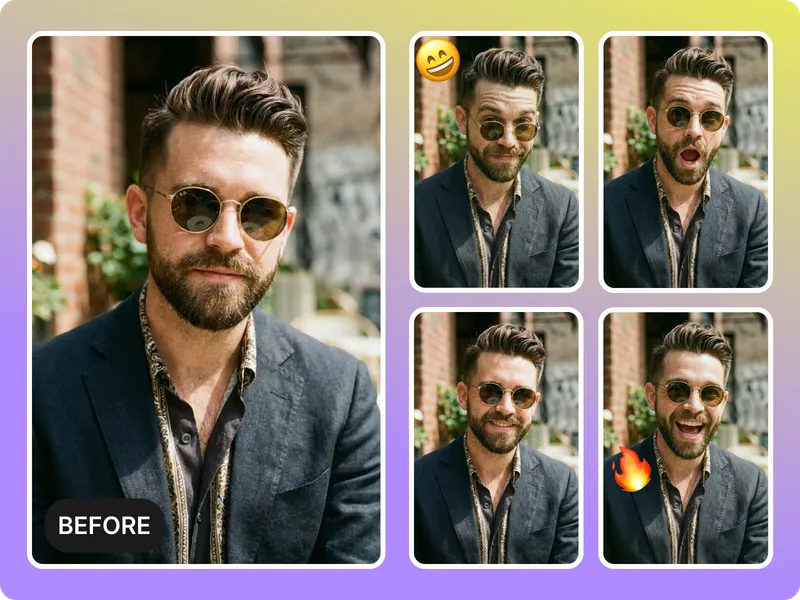
The expression swap keeps your lighting, pose, and scene intact while adjusting the emotion—no layers or masks required.
Tell a new story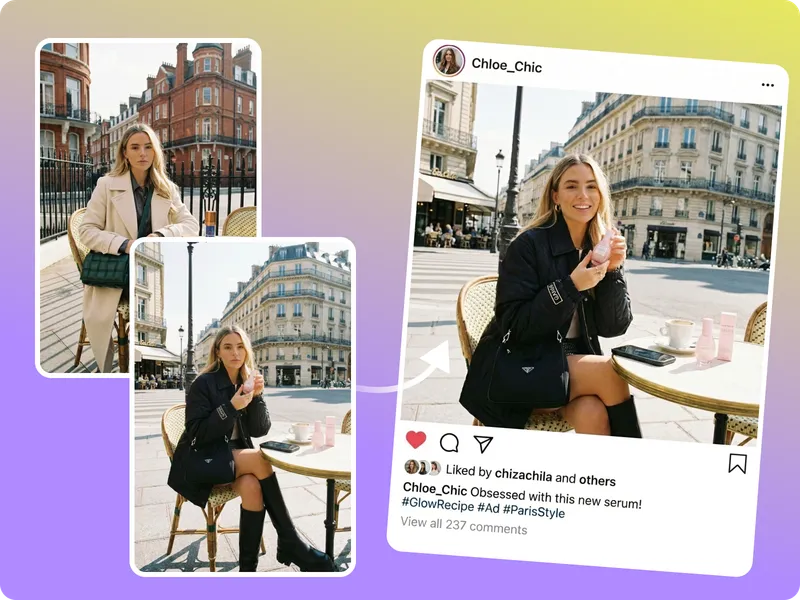
Feedback from creators, marketing leads, and storytellers who rely on expression edits to keep campaigns consistent.
“Retuning the expression saved a re-shoot and kept the wardrobe consistent across the campaign.”
“It keeps lighting intact, so the face still feels like part of the same scene.”
“Expression controls keep the edits believable.”
“Retuning the expression saved a re-shoot and kept the wardrobe consistent across the campaign.”
“It keeps lighting intact, so the face still feels like part of the same scene.”
“Expression controls keep the edits believable.”
“I try three expressions and pick the one that drives the highest CTR for thumbnails.”
“Adjusting a smile to match the tone matters more than I thought. Now we get more comments.”
“We cut production time in half by tweaking expressions instead of reshooting.”
“I try three expressions and pick the one that drives the highest CTR for thumbnails.”
“Adjusting a smile to match the tone matters more than I thought. Now we get more comments.”
“We cut production time in half by tweaking expressions instead of reshooting.”
“The export is polished enough for social, so I skip the editor.”
“Story arcs need different moods. This tool lets me adjust expression per chapter.”
“It catches small smiles and subtle shifts better than any filter I’ve used.”
“The export is polished enough for social, so I skip the editor.”
“Story arcs need different moods. This tool lets me adjust expression per chapter.”
“It catches small smiles and subtle shifts better than any filter I’ve used.”
Open a photo, choose the emotion you need—soft smile, confident stare, relaxed gaze—and let the tool adjust facial landmarks while keeping your lighting and background untouched.
Drag & drop Image here