
“Sent three colors to my stylist before lunch and got a same-day go-ahead—no awkward grow-outs.”
LenaClient
Mobile-first AI hairstyle app: upload a clear selfie, switch between cuts and colors, and export a clean before/after without leaving your phone.
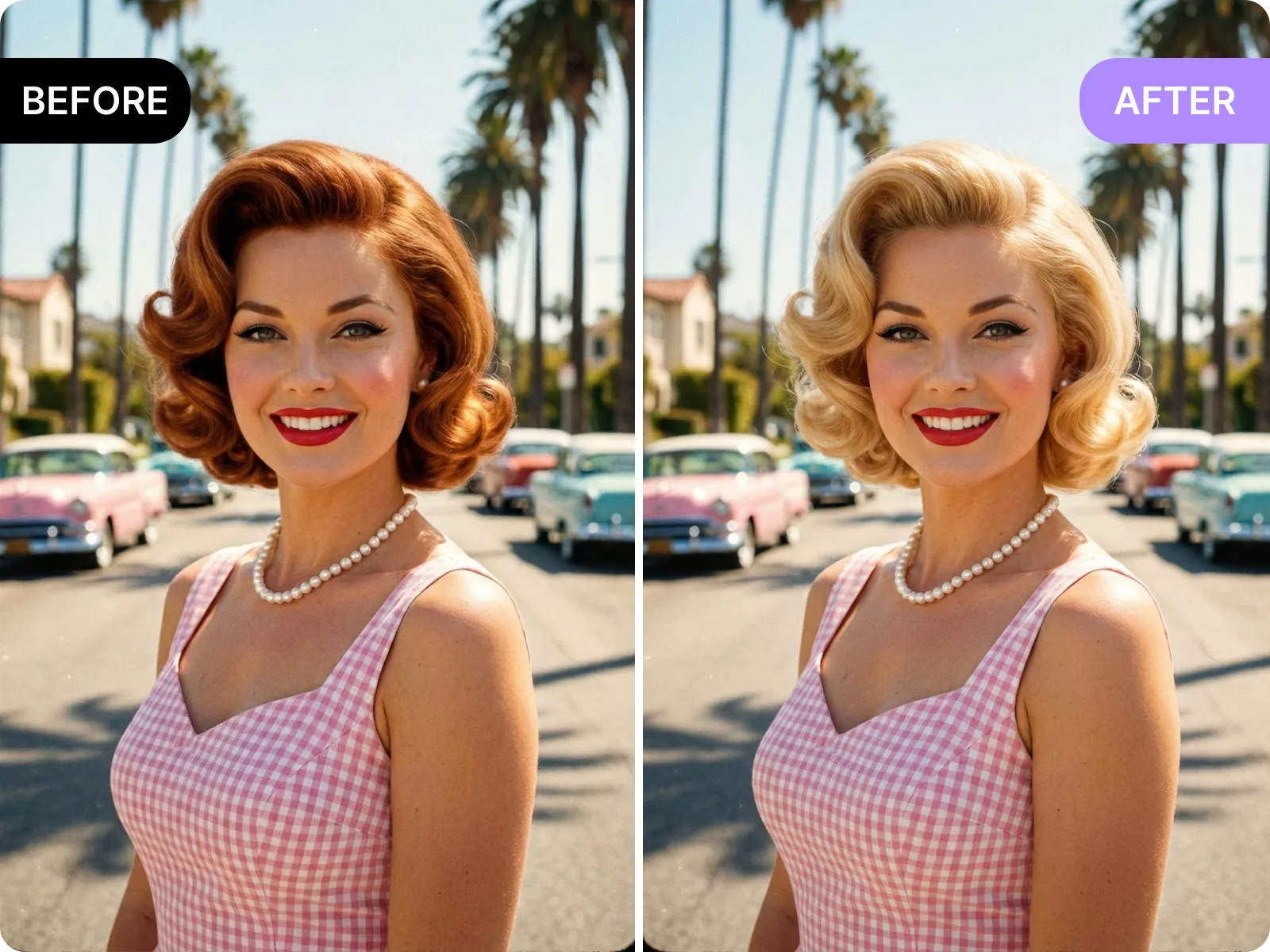
The AI hairstyle app combines try-on, stylist handoff, profile refresh, and social polls in one mobile page. Upload a straight-on selfie and it detects your hairline and face shape, then maps bob, lob, bangs, French shag, wolf cut, balayage, muted brown, or high-saturation dyes with instant before/after. Switch 1:1, 4:5, or 9:16 exports, mark length, fringe, and tone, and save to your camera roll for a stylist or IG/TikTok poll. No signup or desktop tab—every action stays inside the AI hairstyle app.
Open the app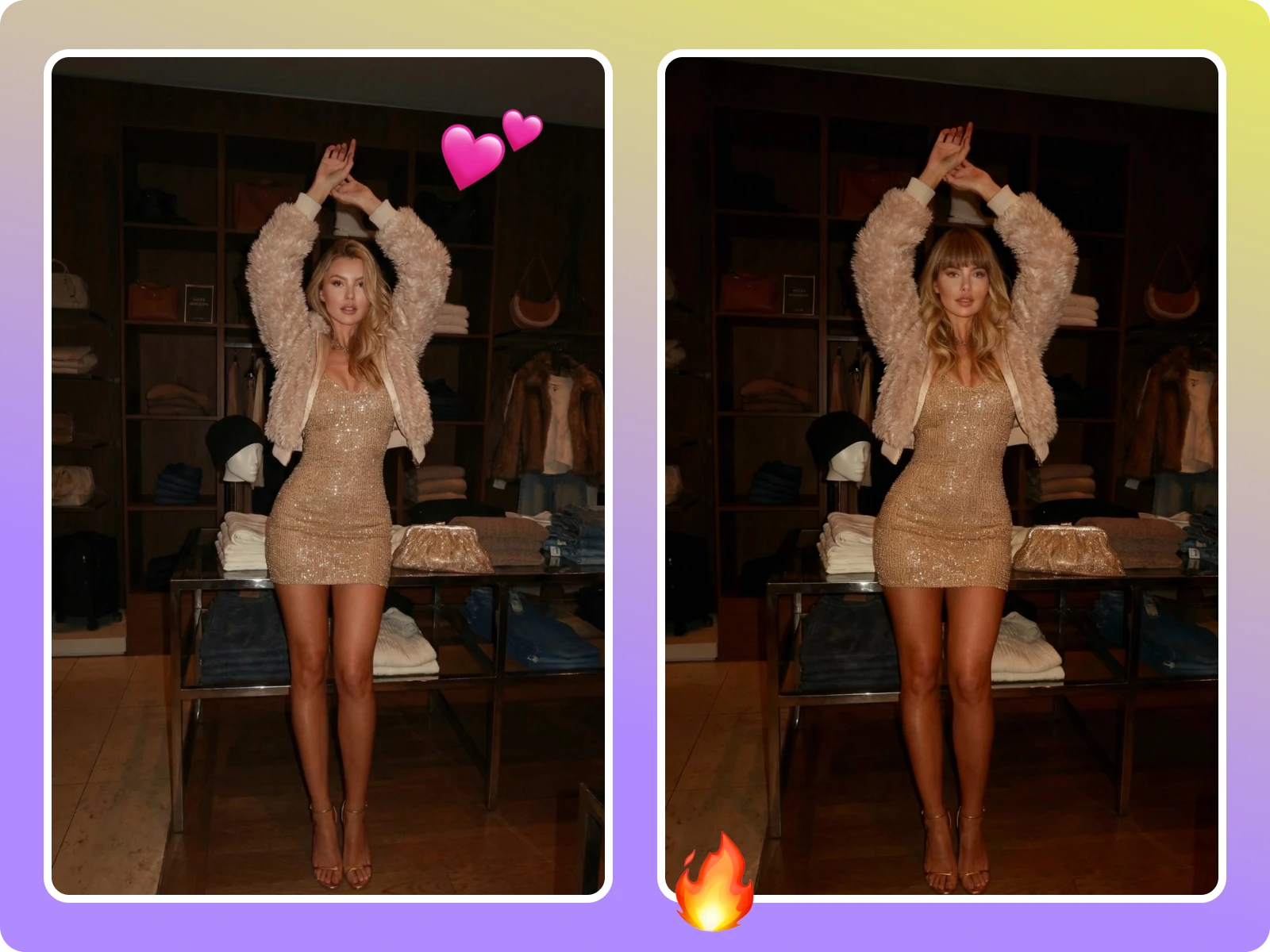
The AI hairstyle app keeps your face shape, skin tone, and earrings intact so stylists see a realistic preview. When you pick bob, lob, sleek length, choppy layers, or fringe density, the tool tags length, fringe thickness, and parting, then outputs a 1:1 or 4:5 side-by-side. Send it via text or WhatsApp before booking so your stylist can lock cut and color direction and avoid chair-side surprises. Photos are only used for rendering, not for training, making it fit salon notes and client approvals.
Share with a stylist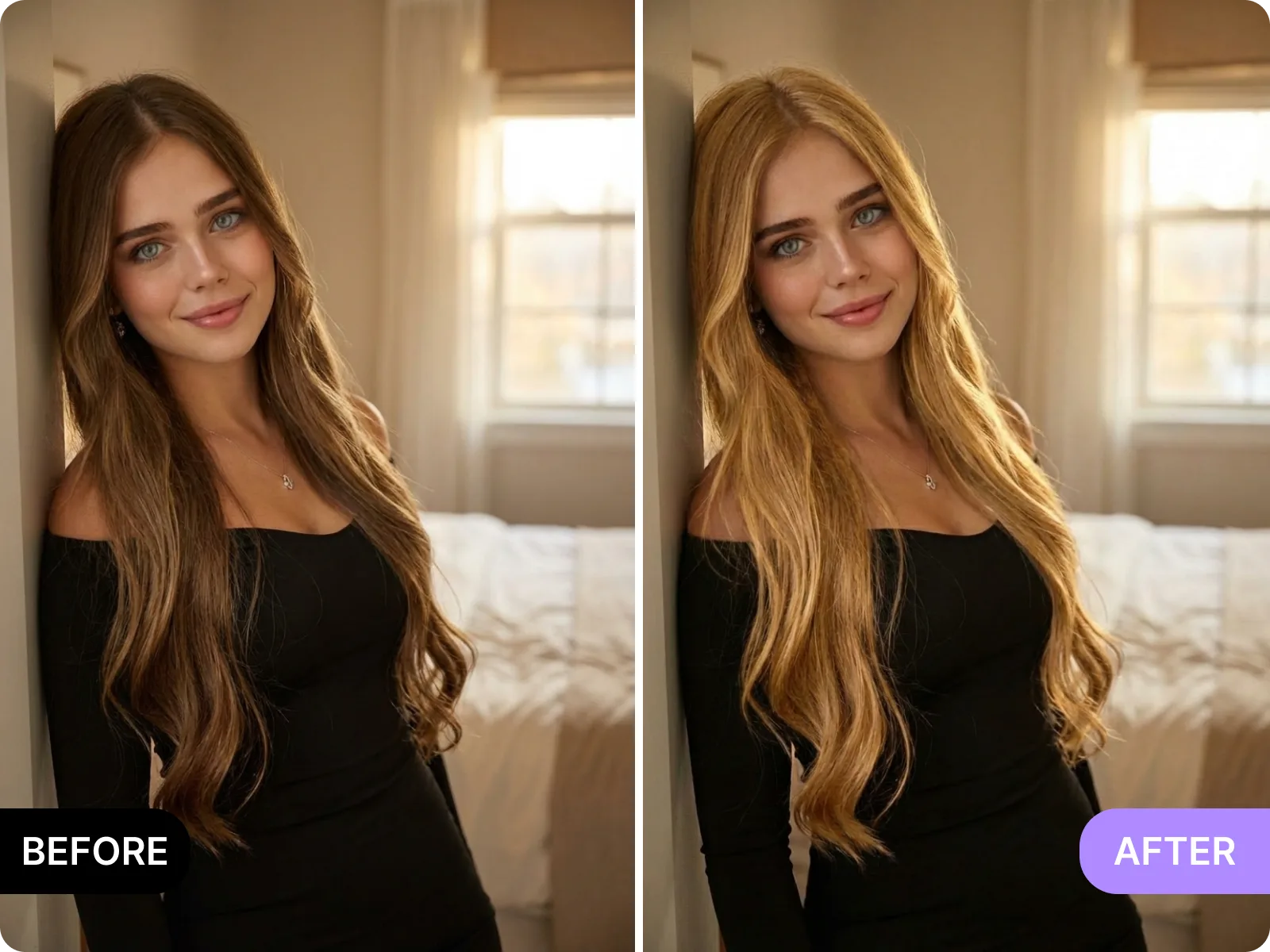
Refresh a resume, LinkedIn, or job-board avatar by testing low-saturation browns, ash, or deep black plus straight, curtain, or airy bangs inside the AI hairstyle app. Use one evenly lit selfie and get a 1:1 export with a clean background and sharp edges—no reshoot or overdone filter needed. The photo lives only in your session, never shared or reused, so you can update your professional look quickly before interviews or virtual meetings.
Update my profile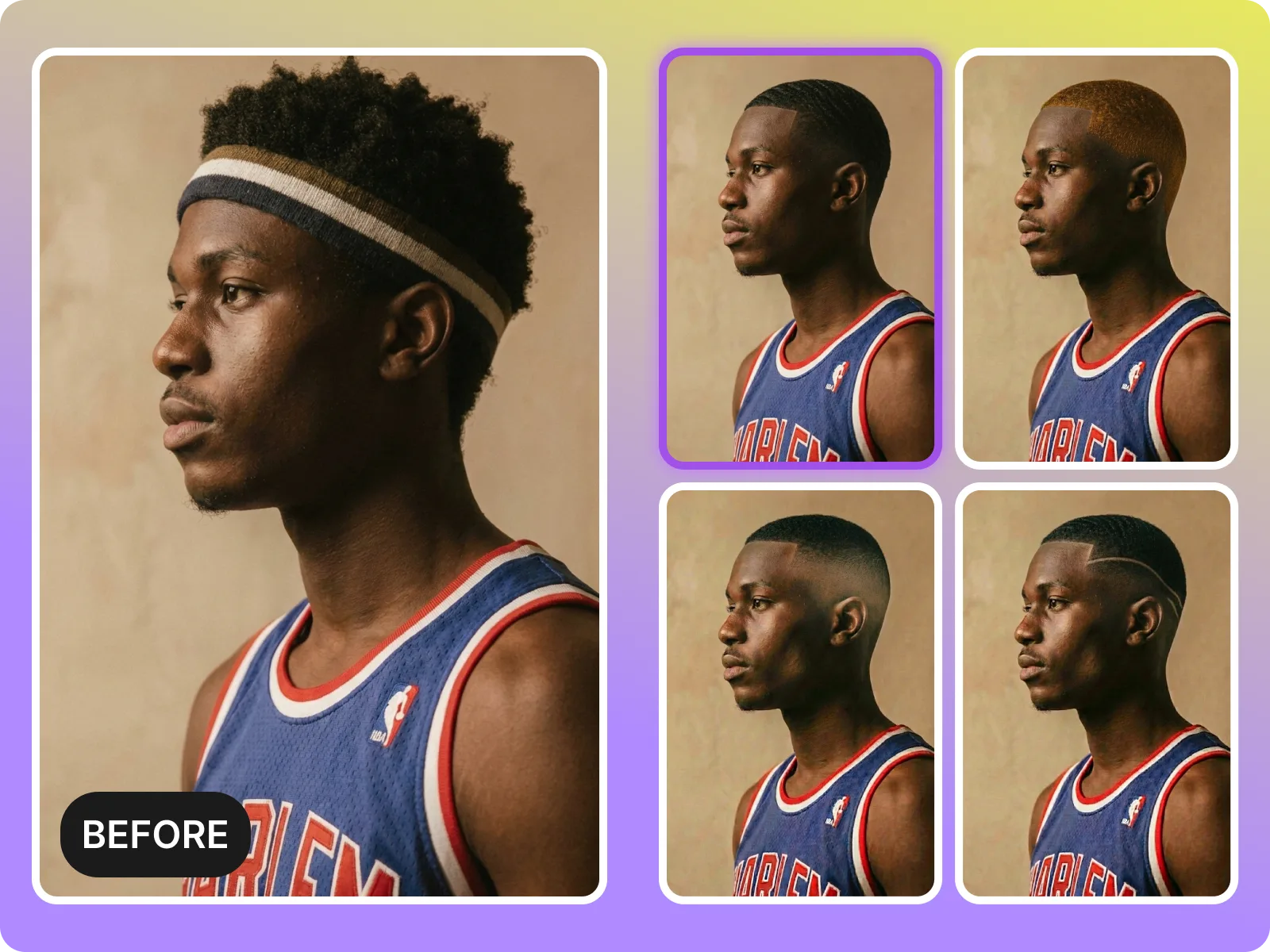
Creators can spin up 9:16 or 4:5 vertical tests in the AI hairstyle app for TikTok, Reels, or story polls. Drop in a daily selfie and try milk-tea brown, blue highlights, French curls, or a wolf cut, then post three to four options for followers to vote. Even on weak signal you can save watermark-free files for quick scheduling or brand delivery, cutting down costly reshoots.
Run a quick pollOpen the AI hairstyle app in your mobile browser, upload a clean front-facing selfie, and see 20+ cuts and color directions in under a minute—bob, lob, layers, bangs, balayage, ombre, French curls, or short choppy looks. It preserves your hairline and face shadows, offers instant before/after, and exports in 1:1, 4:5, or 9:16 so you can send to a stylist, friends, or a dating profile without downloading an app or creating an account.
Launch the app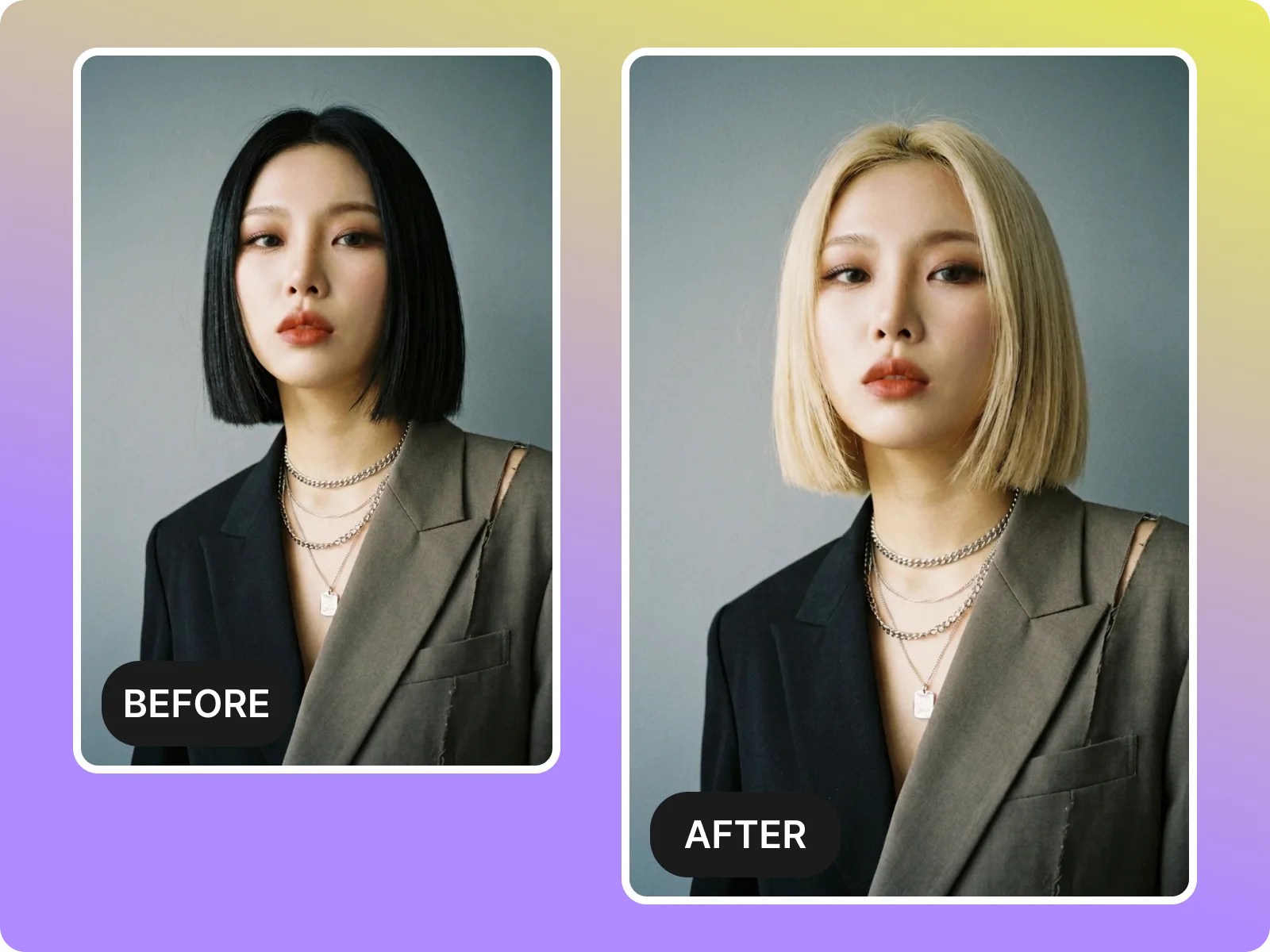
The AI hairstyle app is built mobile-first: import from camera roll or camera, auto-align to your hairline, ears, and jawline, and generate even on weak signal. Choose 1:1, 4:5, or 9:16 presets so you skip manual cropping. It suits in-car, salon, or on-the-go use, and even indoor soft light delivers clean edges; strong backlight, group shots, or hats trigger a retake prompt to avoid jagged overlays and keep results reliable.
Start on mobile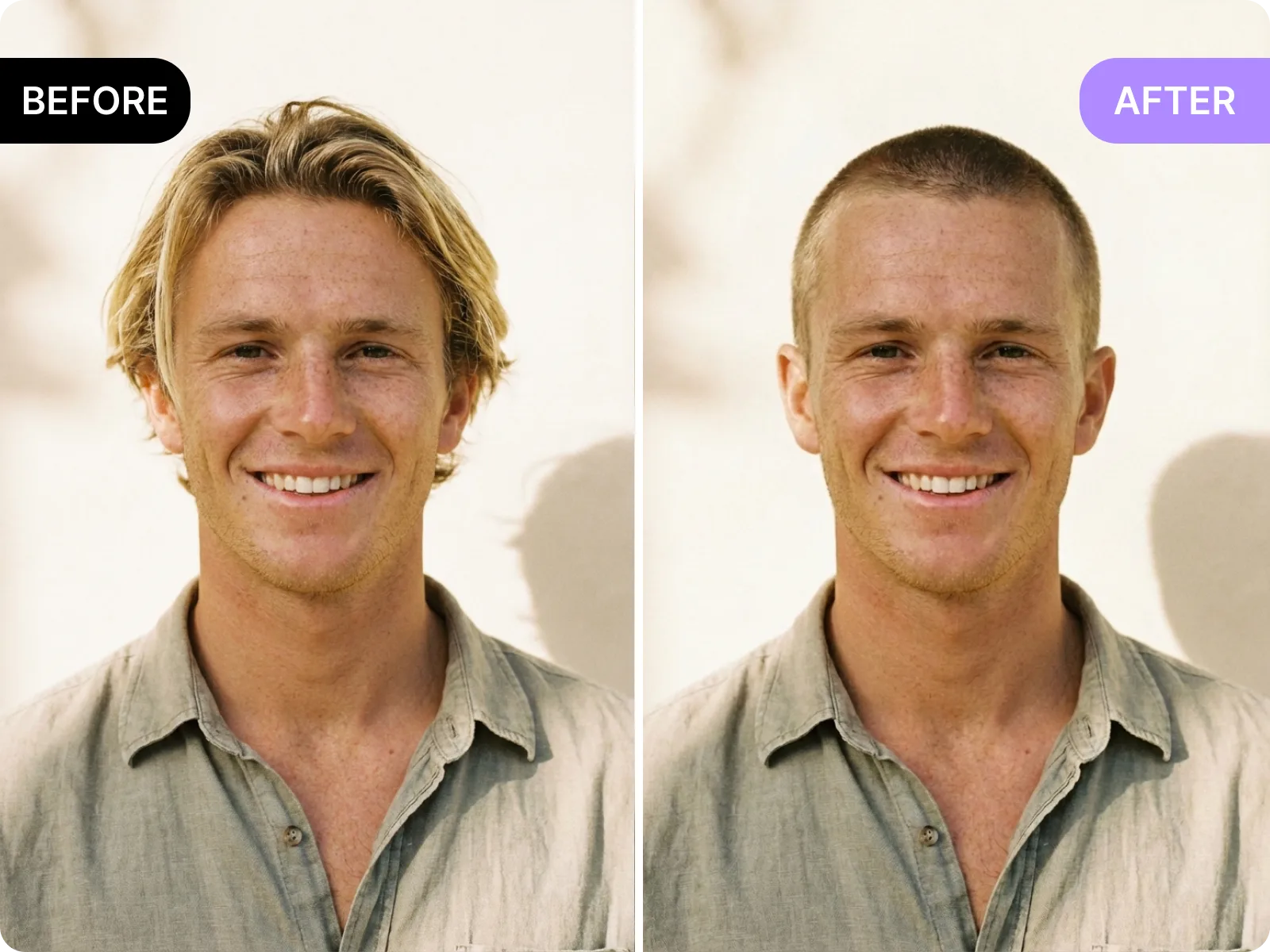
The AI hairstyle app focuses on natural blending, keeping skin tone, earrings, neck shadows, and makeup texture while swapping haircuts and colors. Test airy bangs, wolf cut, French layers, short textured curls, or multi-tone highlights on one selfie and confirm what fits your face. Skip heavy beauty filters or hats and stick to a straight-on view with a clean background to avoid sticker-like edges; results look like real photos rather than pasted overlays.
Preview a look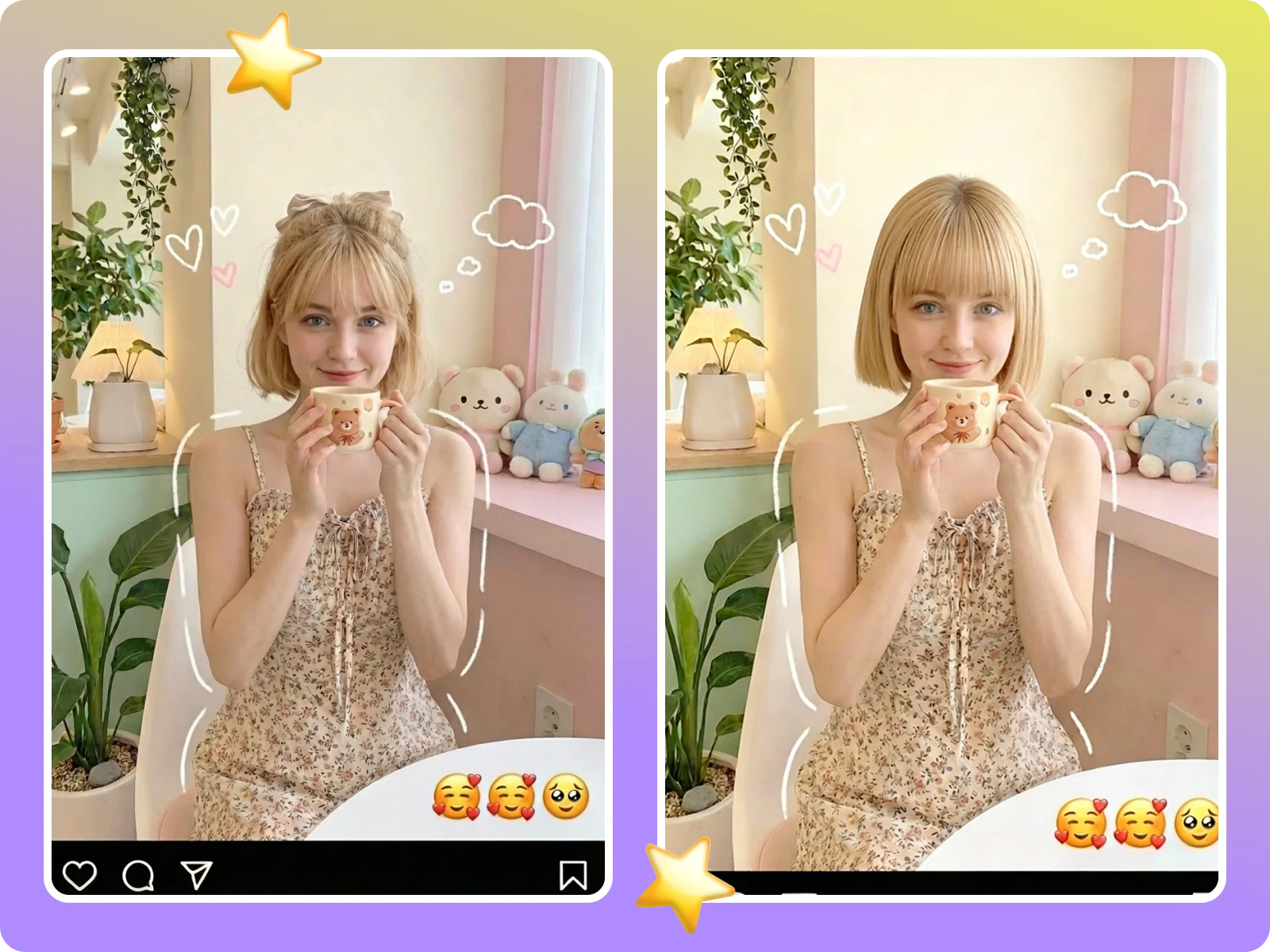
After you finish a try-on in the AI hairstyle app, save watermark-free before/after in 1:1, 4:5, or 9:16 with one tap. Files stay in your camera roll so you can message a stylist or friends on iMessage, WhatsApp, or WeChat, or drop them into social avatars, dating profiles, or cover tests. No login required and exports work on weak signal; reopen the same selfie anytime to explore new looks without restarting the flow.
Save a preview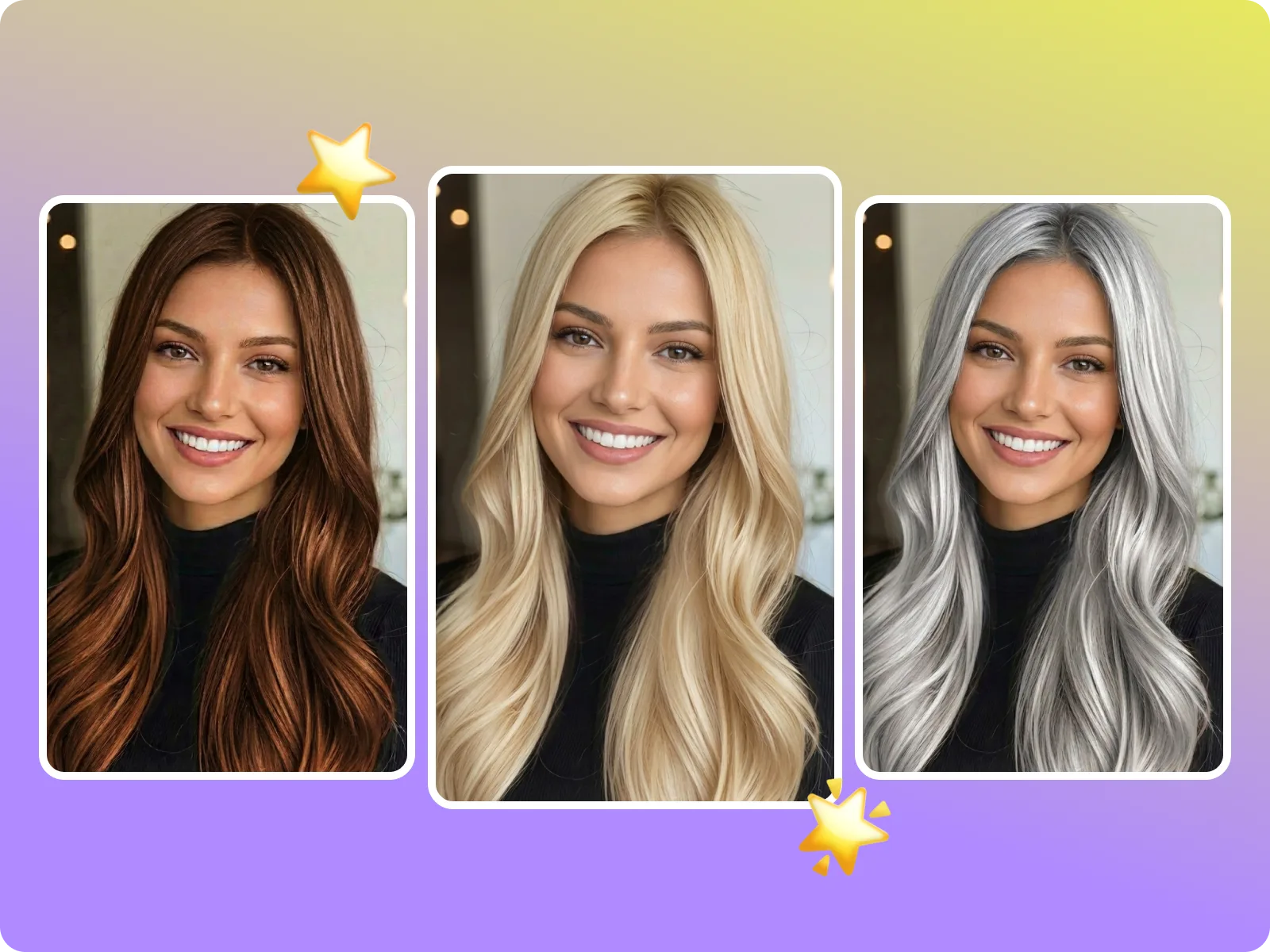
The AI hairstyle app helps everyday users, creators, and stylists decide in about a minute. Casual users see if bangs, layers, or color flatter their face shape; creators generate vertical comparisons for fan polls; stylists cut consultation time by pre-confirming length and shade. The page walks through upload, choose, compare, and export on mobile without switching apps or filling forms, keeping the entire decision loop inside the AI hairstyle app.
“Sent three colors to my stylist before lunch and got a same-day go-ahead—no awkward grow-outs.”
“Sent three colors to my stylist before lunch and got a same-day go-ahead—no awkward grow-outs.”
“Story poll with three AI looks gave me a clear winner in 15 minutes; I filmed the final with confidence.”
“Story poll with three AI looks gave me a clear winner in 15 minutes; I filmed the final with confidence.”
“Helps me see if bangs suit my round face without committing; exports stay private on my phone.”
“Helps me see if bangs suit my round face without committing; exports stay private on my phone.”
Upload a clear selfie
Tap upload in the AI hairstyle app and pick a front-facing selfie with only you in frame. Use natural or soft light, avoid hats, scarves, or heavy bangs hiding your hairline, and skip aggressive smoothing filters. Keep your head top visible, ears clear, and hands away from your face so the system can read face shape, parting, and earrings for a clean swap. On weak signal, wait for the progress bar and retry without reopening the page if it fails.
Select a cut and color direction
Once uploaded, the AI hairstyle app shows swappable cut and color directions. Pick your cut first—bob, lob, short choppy, wolf cut, straight bangs, curtain bangs, or French layers—then choose a tone like matte brown, cool brown, black tea, blue highlights, or golden ombre. The app fits each option to your hairline, ears, and face automatically, letting you preview conservative versus bold looks instantly without re-uploading.
Refine framing and check edges
After generation, the AI hairstyle app applies a default crop so you can audit edges. Switch between 1:1, 4:5, or 9:16 and move the frame to keep ears and jawline intact and avoid chopping the crown. Check how hair blends into the background; if backlight makes strands look gray, rerun with a selfie in even light. Use this step to note your preferred length or fringe density and compare partings or curl levels.
Compare and export
When you like the result, toggle before/after in the AI hairstyle app, lock the favorite version, and label it for context like “salon consult” or “social avatar.” Hit export to get a watermark-free file sized for 1:1, 4:5, or 9:16 without logging in or linking email. Share directly to iMessage, WhatsApp, or WeChat for stylist approval, or save for social A/B tests, and reopen the same selfie anytime to try new looks.
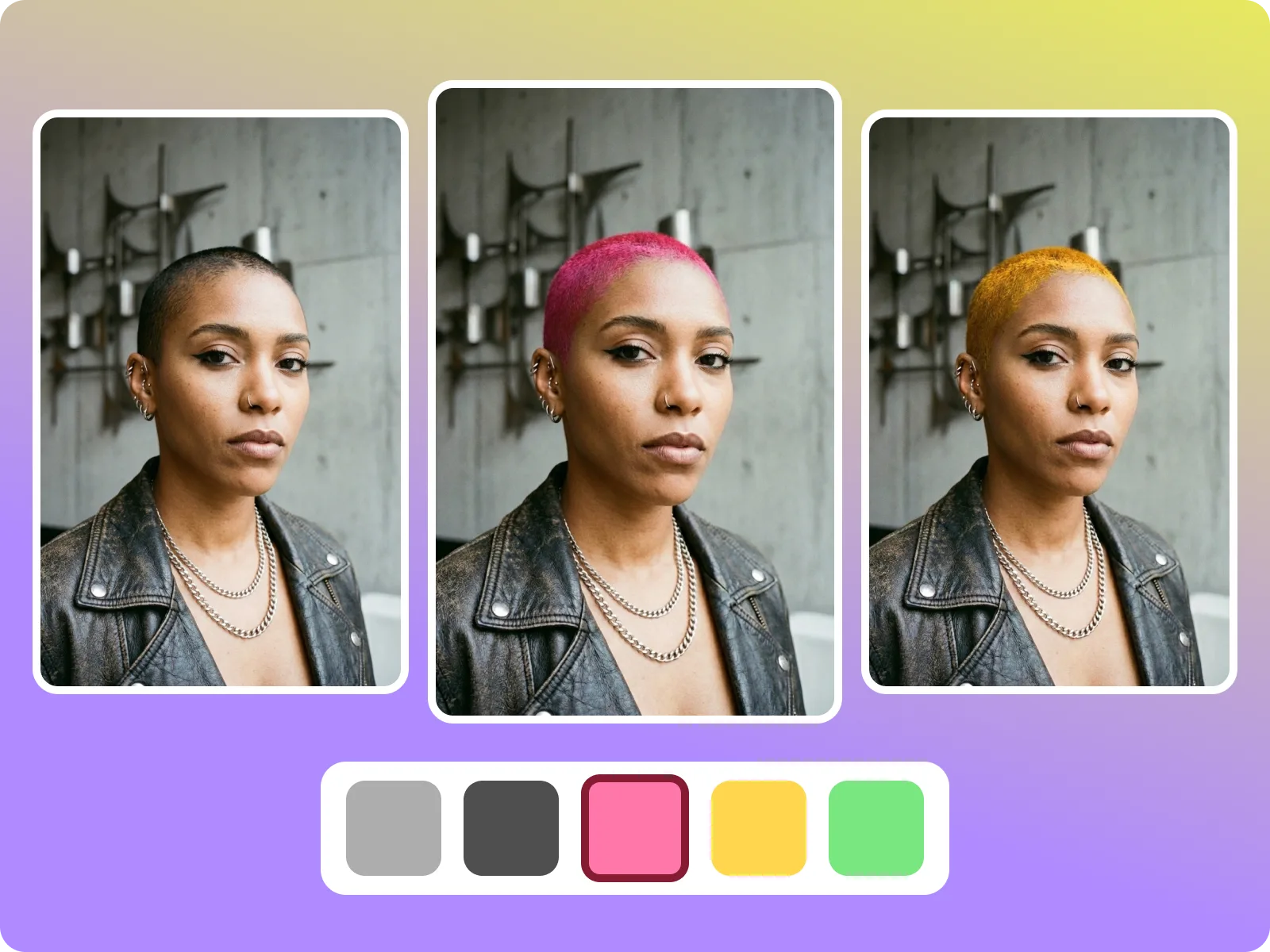
Mobile-first AI hairstyle app: upload a clear selfie, switch between cuts and colors, and export a clean before/after without leaving your phone.
Drag & drop Image here